

Over the last few days we have further developments to report.
We took one of the component inputs to the full report “Securing the Strait of Hormuz” – Task 5 on diplomatic aspects
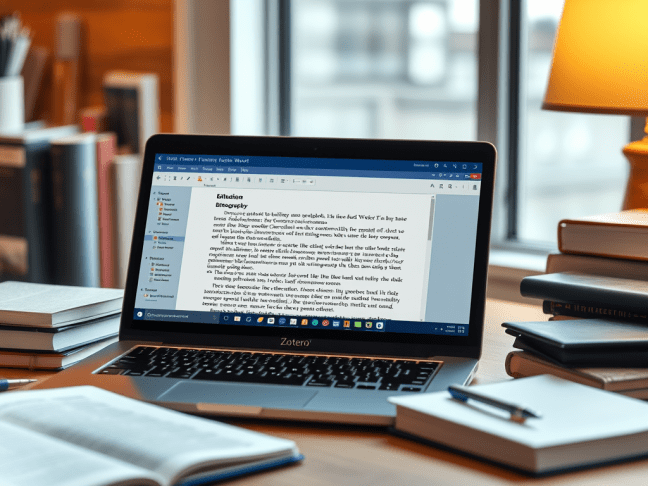
Using forensic analysis on Zotero representation within Word and thanks to LLM vibe coding to handle the citations we have an automated process to produce from markdown a Word report containing live references in Zotero with an automatically generated bibliography.
Here is the Word file and now the PDF one. You may not see the Word file to full advantage if it is decoupled from Zotero and the BibTex bibliography.
Since Zotero is used widely in universities and research teams (in many ways the default choice) this means that assignments and final year project (and Masters) reports are now within scope of full automation.
After our holiday period we’ll apply the process to the complete Hormuz report and report back.
We are already scoping out scaling up the size of documents to the next level. As part of the process my colleague Charlotte Doody and I went through a couple of years ago for an overseas client we have a 33,000-word version of a Digital Schools UK report to play around with.
Finally I have a 260-page 122,000-word 525-references background report on digital quality in higher education. In Word, one file.
Definitely needs updating. Maybe even Manus will feel faint at that. We shall see. (Might have to save up for the LLM credits I will need.)
As is well known in report automation circles, there are significant issues in automating all aspects of document production in Word. In particular, reports in Word mandating use of Microsoft Source Manager are not susceptible to automation of the citation aspects (see this report) and Microsoft seem to have no plans to make that any easier. In fact some feel that they seem to be quietly abandoning product development on MSM, favouring plug-in 3rd-party solutions like Zotero.
Less well known is that there is an unreliable workflow for Zotero-based papers in Word running from markdown via LibreOffice, with many fingers crossed. (I have never tried it myself. We would welcome feedback.)
As an intermediate step we broke through the dynamic footnote barrier earlier yesterday. See PDF and Word versions. This is not a new result, but it is useful to build it into our workflow cluster.
Furthermore, since a simple macro can change footnotes to numeric references, dynamic numeric referencing was already within reach as a by-product of the footnote work. In fact Word reports footnoted with (author, date) references are a very convenient way of making it relatively easy and speedy to insert citations manually.
 Opening up learning